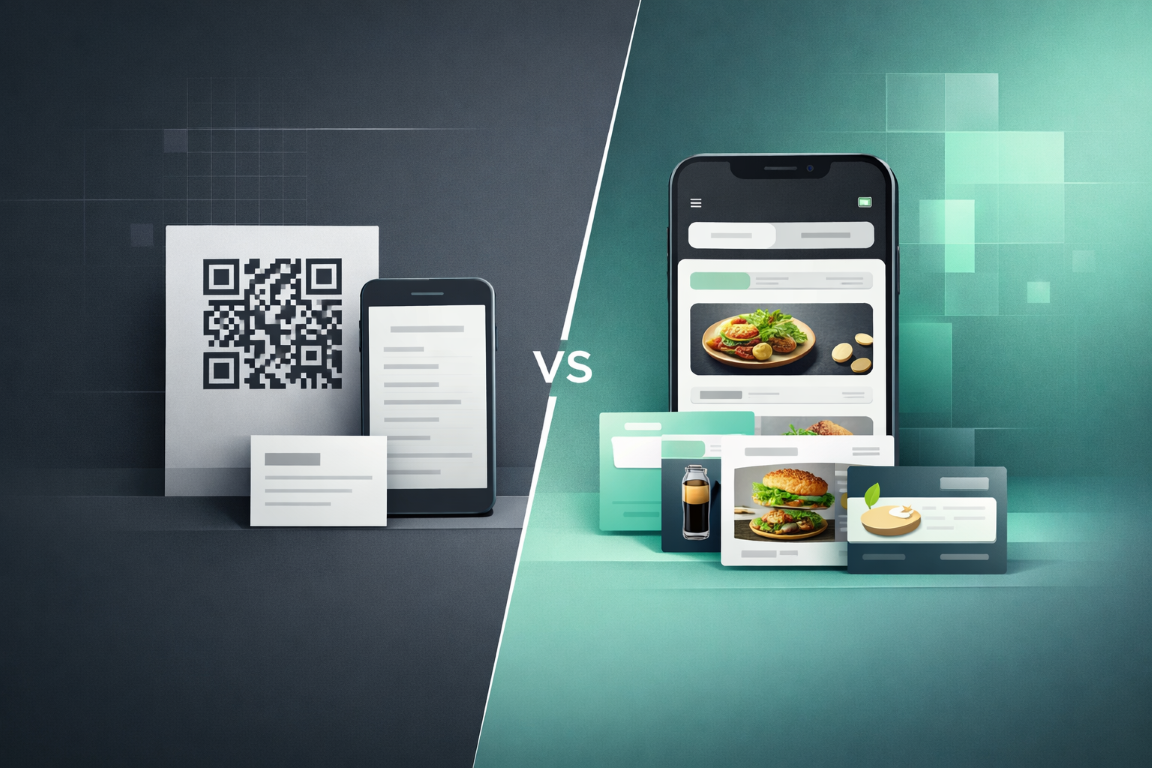
Let’s keep it simple: having a QR does not mean you have a good digital menu. The real question is what the customer sees after scanning.
If you need context on the QR itself first, read what a QR code is and how businesses use it, then come back here for the menu format decision.
PDF menu: the easy option
PDF is the most common option. You already have a file, you upload it, connect it to a QR, and you are done.
When it makes sense
- when you are just starting
- when your menu is small
- when prices rarely change
- when you need something fast
👉 It is fast and cost-effective.
The problem with PDFs
PDFs are not built for mobile. Users zoom, scroll without structure, and often struggle to find what they need.
Think about a customer at the table. They do not want to read a file. They want to order.
And every change means a new file, new upload, and often a new QR. PDF is static.
Digital menu via system
A system works differently. You do not upload files. You manage your menu.
- structured menu with categories
- mobile-first experience
- instant updates
- hide unavailable items
- multiple languages
- custom design
The customer does not see a file. They see a modern menu.
PDF vs system
| System | |
|---|---|
| Static | Dynamic |
| Hard on mobile | Mobile-friendly |
| No structure | Structured categories |
| Manual updates | Instant management |
| Limited | Scalable |
👉 PDF shows the menu. A system makes it work.
What to choose
If you need something temporary → PDF. If you have customers and frequent changes → system.
Your menu is an experience. And it directly affects sales.
For the next step — free versus subscription QR menus and what to choose for your business — compare cost, flexibility, and what you actually get day to day.
See what your own digital menu could look like
Try MintQR or talk to us to build something fully tailored to your brand.
Get started